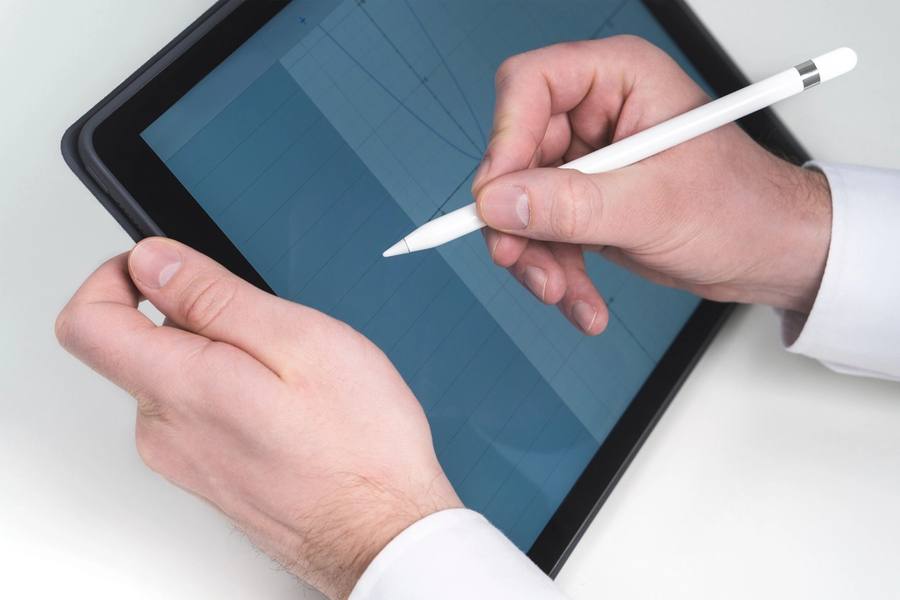
E-Ink Writing Tablet
Temsili görsel (stok fotoğraf); ürünün kendisi değildir.
The Limitations Are The Feature
A general tablet can take handwritten notes and also has messaging, a browser, video and everything else competing for attention while you are trying to think.
An e-ink writing tablet does notes and reading and very little else, which removes the competition entirely and is the specific reason people choose one over a device that does more.
Anybody who finds a general tablet does not work for focused note-taking is usually describing a distraction problem rather than a capability one, and this addresses that directly.
The Writing Surface Genuinely Differs
The screen has a textured surface and the stylus tip has friction against it, which produces a sensation closer to pencil on paper than to a stylus sliding across glass.
That difference is more significant than it sounds, since a slippery glass surface makes handwriting feel imprecise and produces worse handwriting than paper does for most people.
Stylus tips wear down against that texture and are replaceable consumables, which is an ongoing small cost that people do not anticipate when buying.
Handwriting Search And Conversion
Most devices can search handwritten text and convert it to typed characters, and both work reasonably rather than perfectly depending considerably on handwriting neatness.
Untidy handwriting converts badly, and anybody expecting perfect transcription of hurried notes will be disappointed, though search frequently finds words that conversion garbles.
For anybody whose notes are mostly for their own later reference, searchability matters considerably more than conversion accuracy does.
Templates for lined, squared and dotted pages remove the need to choose a notebook format in advance, which is a genuine advantage over paper.
Latency And Refresh
E-ink refreshes more slowly than a conventional display, and writing latency — the delay between the stylus moving and the line appearing — is the specification that determines whether writing feels natural.
Modern devices have reduced this to the point where it is barely noticeable for handwriting, and it remains apparent when drawing quickly or shading.
For artists and anybody sketching seriously, a conventional tablet is considerably better, and the e-ink surface suits writing rather than drawing.
Price Against What It Replaces
These cost considerably more than a notebook and a pen, and the argument is that they replace many notebooks, are searchable, and back up rather than being lost.
Whether that is worth it depends entirely on how many notes somebody generates and whether they refer back to them, which most people do considerably less than they imagine.
For anybody whose notebooks are filled and then never opened again, paper is cheaper and works perfectly well, and being honest about that before buying saves money.
Backup and export are worth checking before committing, since notes locked into a proprietary app on a device that is eventually discontinued are considerably less permanent than a notebook on a shelf. A device exporting to standard formats and syncing to somewhere you control means the notes outlive the hardware, which for anything you genuinely intend to keep is the relevant consideration.
The Verdict
A focused device for handwritten notes with a genuinely paper-like surface and no distractions competing for attention.
Stylus tips are consumable, conversion depends on neat handwriting, and it suits writing considerably better than drawing.
Be honest about whether you reread your notes. If notebooks get filled and never opened, paper is cheaper and works.
Bir bakışta
Artılar
- No distractions competing with focused work
- Textured surface feels close to paper
- Handwritten notes are searchable
- Replaces many notebooks in one device
Eksiler
- Stylus tips wear out and need replacing
- Conversion accuracy depends on neat handwriting
- Refresh latency shows when drawing quickly
- Considerably more expensive than paper
Sıkça sorulan sorular
Why not use a normal tablet?
A general tablet has messaging, a browser and video competing for attention while you are trying to think. This does notes and reading and little else, which removes the competition — that limitation is the actual reason to buy one.
Does it really feel like paper?
Closer than glass. The screen is textured and the stylus tip has friction against it, which produces a sensation more like pencil on paper. The tips wear down as a consequence and are replaceable consumables.
Can I draw on it?
For sketching, adequately. Refresh latency shows when drawing quickly or shading, and a conventional tablet is considerably better for serious artwork. The e-ink surface suits writing rather than drawing.
Teknik Özellikler
| Type | E-ink writing tablet |
| Main advantage | No distractions |
| Surface | Textured; friction against the stylus |
| Consumable | Stylus tips wear down |
| Search | Works on handwriting |
| Conversion | Depends heavily on handwriting neatness |
| Latency | Fine for writing; apparent when drawing |
| Better for drawing | A conventional tablet |
Özet
Paper-like writing with nothing competing for attention. Ask honestly whether you actually reread your notes first.
Amazon'da Fiyatı Kontrol Et